






1. Go to Chrome Web Store
Head over to the Chrome Web Store — your gateway to thousands of powerful, productivity-boosting tools.
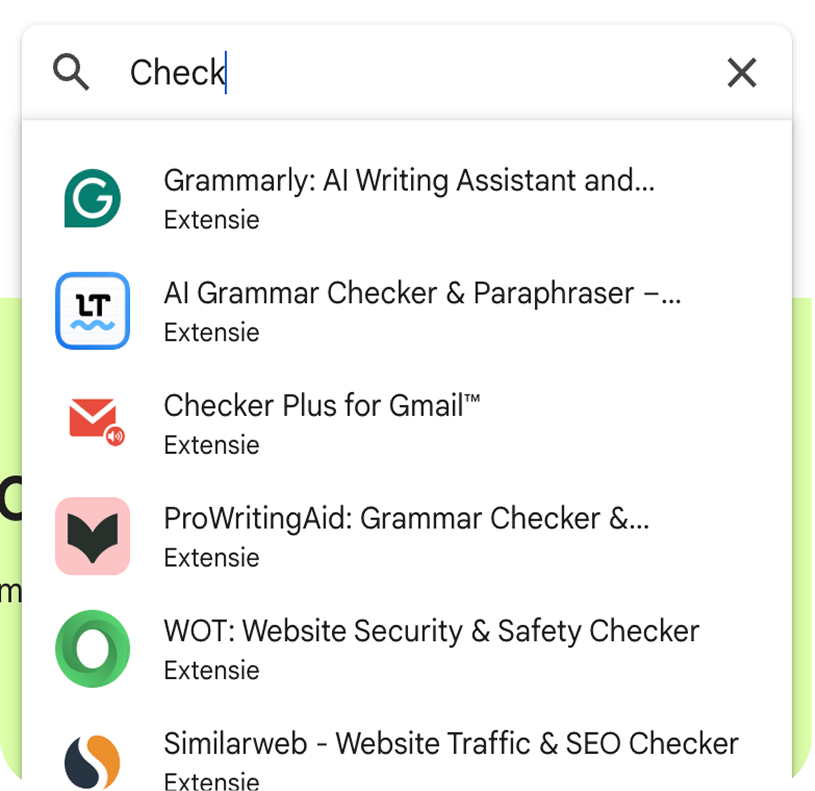
2. Find CheckThePrice Extension
Use the search bar to explore extensions by name and find our extension or use this link.

3. Click “Add to Chrome”
Once you’ve found our extension, hit the blue “Add to Chrome” button. Chrome will guide you through the quick installation process.
4. Approve Permissions
A pop-up will appear showing what the extension needs access to. Review the details and confirm by clicking “Add Extension.” Your browser will handle the rest in seconds.

5. See It in Action
After installation, you’ll see the new extension icon appear in the toolbar. Click the puzzle icon to pin it for easy access — you can now find the best price for every product!